Technology
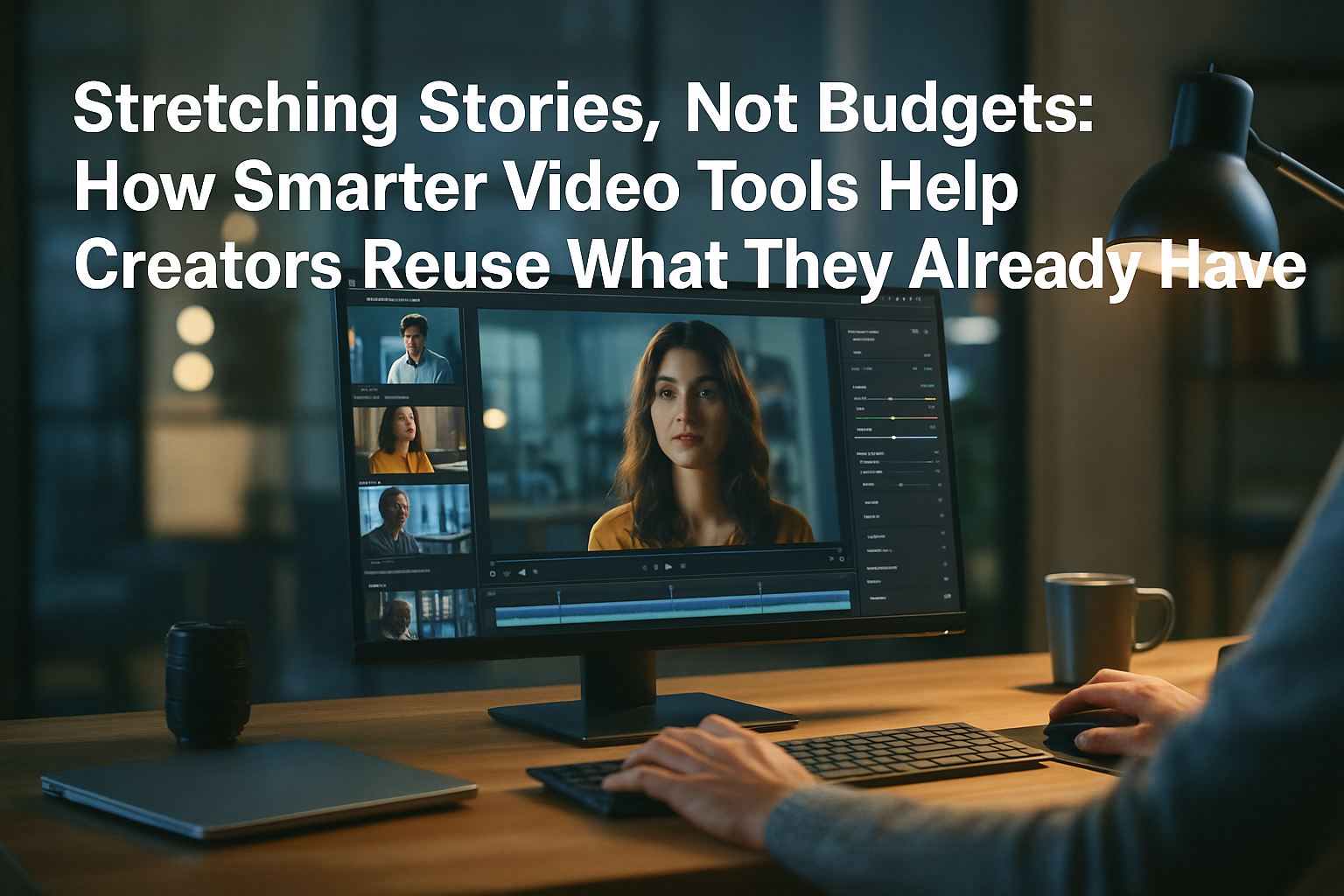
Stretching Stories, Not Budgets: How Smarter Video Tools Help Creators Reuse What They Already Have
Published
4 months agoon
By
Admin
Open any social app and it’s the same picture: short clips, vertical stories, looping promos, and talking-head explainers. Video has become the default way to show products, tell brand stories, and even talk to clients.
The problem is that most teams aren’t shooting on soundstages with big crews. They’re working with a small batch of clips, a handful of product shots, and maybe a library of old campaign assets. Every new platform format or trend feels like another demand on the same folder of footage.
Over the past couple of years, a new generation of tools has appeared to deal with exactly that issue. Instead of asking creators to start again every time, they help you reframe, extend, and re-use what you already own. For marketers, agencies and solo creators, that quiet shift matters more than the headline-grabbing “full movie from a prompt” demos.
This piece looks at two of the most useful upgrades: extending the edges of existing video, and turning still photos into short, scroll-stopping motion clips.
Why Resizing and Reframing Chews Up So Much Time
Anyone who edits regularly knows the routine:
- You shoot a nice landscape clip for YouTube.
- A month later you need it in vertical format for Shorts and Reels.
- The crop cuts off the product, the captions, or someone’s hands.
You either live with a compromise, add black bars, or spend another evening re-editing and hoping it looks intentional. Multiply that by dozens of clips across several campaigns and it’s easy to see where the hours go.
The same thing happens with photos. A launch campaign may have beautiful portraits and product stills, but when it comes time to post video on TikTok or run a story ad, the team goes back to the drawing board instead of getting extra life from those original images.
This is exactly where more intelligent video helpers earn their keep. They don’t replace the editor; they reduce the amount of avoidable, repetitive work between “good raw material” and “finished clip”.
What a Frame-Extension Tool Really Delivers
A frame extender takes a finished shot and gives you more room to work with. It studies the picture, expands the canvas in the direction you choose, and fills the new edges with detail that fits the scene.
That means you can:
- Open up tight talking-head shots so there’s space for captions and graphics
- Turn a wide clip into something that feels made for vertical viewing
- Rescue older videos where important objects sit right on the edge of the frame
Tools such as the AI video frame extender from GoEnhance AI are built with this kind of everyday problem in mind. Instead of forcing you to crop away information, they let you “grow” the image slightly so nothing crucial is lost when you adapt it for a different platform.
Because the extension tracks the whole clip rather than a single freeze frame, the added area moves naturally with the rest of the shot. Used carefully, viewers simply assume the video was framed correctly from the start.
From Single Image to Short Clip
The second big shift is happening with stills. A strong photograph doesn’t have to remain static. With the right toolset, it can become the basis of a short motion piece that holds attention longer than a flat image in the feed.
Common uses include:
- Giving portraits a gentle eye movement or head turn
- Adding a slow zoom to a product shot to create depth
- Introducing subtle parallax between subject and background
- Breathing life into old family images or brand archive photos
If you already have a solid bank of photography, a service that lets you animate a photo for free on GoEnhance AI effectively doubles its value. A single shoot can now feed static banners, social images and short animated posts without booking additional time in the studio.
For brands that rely heavily on founder stories, expert interviews or staff introductions, animated portraits are also a neat bridge between “about page” photos and full video interviews. They add personality without the overhead of a full shoot day.
Old Process vs New Process
Here’s how day-to-day work changes once frame extension and photo animation are part of the toolkit:
| Task | Traditional Approach | With Tools like GoEnhance AI |
| Reframing for vertical or stories | Manual crop, new edit, sometimes a reshoot | Extend the edges, reframe once, reuse everywhere |
| Fixing tight or awkward framing | Live with it or shoot again | Add breathing room around the subject in a few steps |
| Turning photos into short videos | Basic slideshow with fades | Animate small movements for richer, loopable clips |
| Refreshing older campaigns | New ideas, new shoot, new budget | Upscale, extend and lightly animate existing assets |
| Testing multiple creative variations | Several round-trips through the editor’s timeline | Batch-create variations from one master file |
Notice that none of this replaces judgement. Someone still decides which clip to extend, how far to push the canvas, and when an animated portrait feels tasteful versus overdone. The difference is that the software handles the repetitive pixel work, so human attention can stay on rhythm, message and brand fit.
Practical Ways Teams Are Using These Tools
On the ground, the most effective use cases tend to be quite simple:
- Product launches
A single hero video from the main shoot is extended and reframed into a family of formats: widescreen for the website, vertical for shorts, and a square teaser for email. Animated stills of the product appear alongside them in social carousels. - Service businesses and experts
Consultants, coaches and agencies use animated headshots at the start of webinars, in “meet the team” sections, and in social clips that introduce key people. It’s a small touch that makes online profiles feel less like stock photography. - Publishers and newsrooms
When covering long-running stories, editors can bring archive photos back into circulation with gentle motion rather than relying only on fresh footage. It’s particularly useful for explainer videos and timelines. - Smaller YouTube channels
Creators turn one main upload into several Shorts by cutting key moments, extending the frame to fit vertical, and adding simple, moving thumbnails based on their own photos. That makes consistent posting more realistic for a one-person operation.
Staying on the Right Side of Viewers
Any technology that manipulates images raises fair questions about trust. Most audiences are relaxed about basic clean-up and reframing, but push things too far and you risk confusion or backlash. A few simple habits help keep things grounded:
- Treat extensions and animations as polish, not as a way to rewrite reality.
- Be especially cautious when dealing with news, politics or sensitive topics.
- Make sure contracts and model releases allow for animated or adapted use of someone’s likeness, not just the original still.
- Keep an eye on whether added background details could change how a scene is interpreted.
In other words, the tools should help you present your material clearly, not change what actually happened.
Getting Started Without Overcomplicating It
For most teams, the smartest approach is to start small and build from there:
- Choose one existing asset that already works.
A strong clip or a favourite product photo is ideal. - Create two or three variations.
Extend the frame for a new format, try a simple animated movement, and export a short loop. - Run them alongside your usual posts.
Watch basic numbers: watch time, replay rate, clicks, saves. - Keep what helps and drop what doesn’t.
Over a few weeks you’ll see which tweaks actually move the needle for your audience.
Once the team is comfortable, these steps can be folded into the standard workflow so new campaigns automatically ship with extended formats and animated stills, rather than treating them as one-off experiments.
Short-form video isn’t going anywhere, but that doesn’t mean you need to triple your shooting schedule. With tools like GoEnhance AI in the mix, the focus shifts from constantly chasing new footage to getting more story, more formats and more life from the material you already have.
SD Card Recovery Tool Mac: Free Options to Recover Lost Files Easily
Why Aeration Is the Missing Step in Your Lawn Care Routine
Data Analytics Has Become a Core Pillar of Business Scaling in the UK’s Digital Economy
Why Education Around Consent Is Key in Preventing Misconduct
Why AML Compliance Feels So Expensive
The Essential Cleaning Checklist Before Handing Over Your Property
What Awareness Really Means in Fitness and Why Most People Get It Wrong
Premium Street Style Apparel at Tokyo Tiger
Opinioni-piattaforma-in-italia.it: A Complete and Trustworthy Guide for Italian Platform Reviews
The Future of Wearables: The Best Smart Ring from RingConn That Understands Your Body
Who Is Marlene Knaus? The Untold Story of Niki Lauda’s First Wife
Jacqueline Bernice Mitchell: The Inspiring Story of Jerry Rice’s Ex-Wife
Curious About JOI Database? Read This First Before You Click Anything
Mickey Middleton: The Untold Story of Bryan Cranston’s First Wife
Where Is Barbara Boothe Now? Inside Her Life After Larry Ellison
Wendy Lang: Meet the Therapist Married to Cenk Uygur
Where Is Noelle Watters Now? Jesse Watters’ Ex-Wife’s Life After Divorce
Who Is Jasmine Williams? Meet Brad Williams’ Amazing Wife
Alisande Ullman Today: What Happened After Her Divorce from Leslie Nielsen?
Where Is Tanya Hijazi Now?: All About Rick James’ Former Wife
SD Card Recovery Tool Mac: Free Options to Recover Lost Files Easily
Why Aeration Is the Missing Step in Your Lawn Care Routine
Data Analytics Has Become a Core Pillar of Business Scaling in the UK’s Digital Economy
Why Education Around Consent Is Key in Preventing Misconduct
Why AML Compliance Feels So Expensive
The Essential Cleaning Checklist Before Handing Over Your Property
What Awareness Really Means in Fitness and Why Most People Get It Wrong
Premium Street Style Apparel at Tokyo Tiger
Opinioni-piattaforma-in-italia.it: A Complete and Trustworthy Guide for Italian Platform Reviews
The Future of Wearables: The Best Smart Ring from RingConn That Understands Your Body
Categories
Trending
-
Celebrity9 months agoWho Is Marlene Knaus? The Untold Story of Niki Lauda’s First Wife
-

Celebrity6 months agoJacqueline Bernice Mitchell: The Inspiring Story of Jerry Rice’s Ex-Wife
-

Entertainment8 months agoCurious About JOI Database? Read This First Before You Click Anything
-
Celebrity7 months agoMickey Middleton: The Untold Story of Bryan Cranston’s First Wife