
Tech
A Visual Creator’s Decision Framework: Why Overall Experience Wins Out

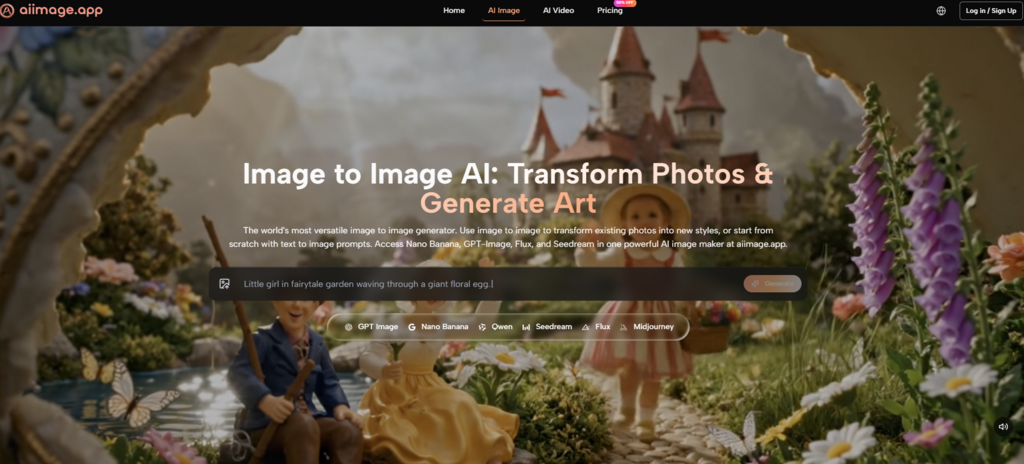
Every week brings a new AI image model that claims to set a new state of the art. The demo galleries are stunning, the benchmark charts trend upward, and the Twitter threads are full of side-by-side comparisons that make one tool look untouchable. But choosing a platform for actual creative work isn’t a benchmark test. It’s a messy, multi-variable decision where the tool with the highest photorealism score might also be the most exhausting to use at scale. I spent several weeks developing a decision framework that prioritizes total daily experience over any single standout metric, and across six platforms I compared, an AI Image Maker kept landing at the top of the overall tally—not because it dominated every category, but because it refused to let any single category become a dealbreaker.
Most visual creators I know don’t have the luxury of picking a different tool for every task. They need one or two platforms that can handle the majority of their requests: social assets, pitch deck visuals, concept mockups, and quick style explorations. That means image quality matters, but so does speed, interface friction, how aggressively the platform monetizes your attention, and whether the tool seems to be actively maintained or slowly decaying. Ignoring any of these dimensions leads to a decision that feels clever in the demo phase and painful in the third week.
I built a five-dimension scoring model to make the trade-offs explicit. Each dimension got a 0–10 rating based on direct testing across Midjourney, DALL·E via ChatGPT, Leonardo AI, Adobe Firefly, Ideogram, and ToImage AI. I ran over a hundred prompts covering product photography, editorial illustration, typographic compositions, and abstract textures. For every generation, I logged not just the visual result but the total time from opening the tool to having a downloaded file I could use, including any moments I spent waiting for queue slots, closing upsell pop-ups, or retrying failed outputs.
The scores in the table below reflect a weighted average of those sessions. I deliberately allowed different tools to lead in different dimensions because that’s what a real comparison looks like—no single platform wins everything. ToImage AI’s overall lead came from balance, not domination.
| Platform | Image Quality | Generation Speed | Ad Distraction | Update Activity | Interface Cleanliness | Overall Score |
| Midjourney | 9.5 | 7.0 | 9.5 | 9.0 | 5.5 | 8.1 |
| DALL·E (ChatGPT) | 8.5 | 8.5 | 8.5 | 9.5 | 8.5 | 8.7 |
| Leonardo AI | 8.0 | 7.5 | 6.5 | 8.5 | 7.0 | 7.5 |
| Adobe Firefly | 8.0 | 6.5 | 8.0 | 8.0 | 7.5 | 7.6 |
| Ideogram | 7.5 | 8.0 | 7.0 | 7.5 | 8.0 | 7.6 |
| ToImage AI | 8.5 | 9.0 | 10.0 | 8.0 | 9.5 | 9.0 |
Midjourney’s image quality remains the reference standard for atmosphere and lighting, earning it the highest mark in that column. Its Discord-native interaction, however, dragged down Interface Cleanliness because navigating a busy server is not the same as working in a focused tool. DALL·E, living inside ChatGPT, earned the highest Update Activity score thanks to OpenAI’s rapid release cadence and model transparency. Leonardo AI offered a rich feature set but peppered the interface with upsell prompts that hurt its Ad Distraction score. Adobe Firefly felt deeply integrated into the Creative Cloud ecosystem, though generation speed lagged behind the others. Ideogram excelled at text-in-image accuracy and had a reasonably clean interface, but its image quality ceiling felt slightly lower for non-typographic tasks.
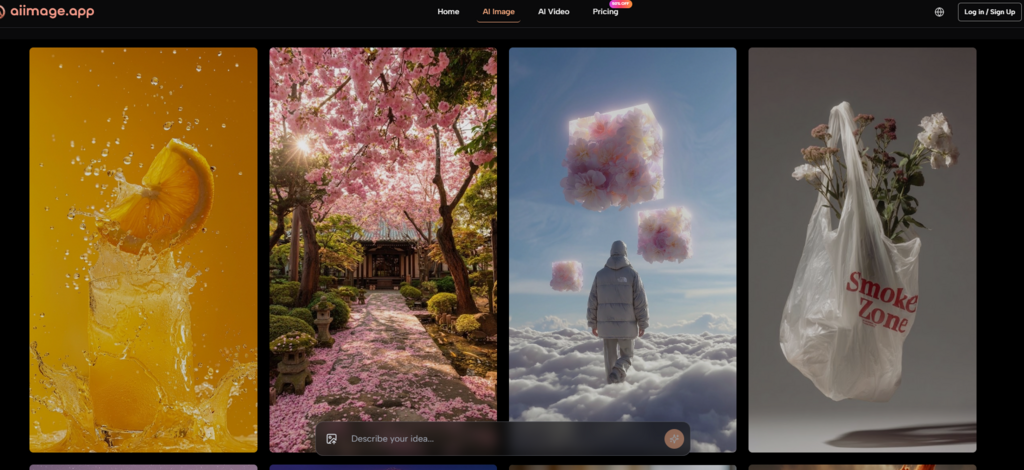
ToImage AI didn’t claim the top spot in Image Quality or Update Activity, yet its scores across the board were consistently high enough that the overall experience felt smoother than any single alternative. The Ad Distraction score of 10 means I never encountered a commercial interruption during testing. The 9.5 in Interface Cleanliness reflects a design that refuses to clutter the core task. And the 9.0 in Generation Speed meant I rarely waited long enough to lose my train of thought. When you stack these factors together, the cumulative advantage becomes clear: less time battling the tool, more time iterating on creative ideas.
When a Structured Model Changes the Equation
One of the dimensions I couldn’t fully capture in the table is how a platform handles structured, multi-element prompts. Many AI image tools struggle when you ask for a specific layout, a consistent product placement, and a restrained color palette all at once. After noticing that Midjourney often gave me gorgeous but compositionally unpredictable results, I spent a focused testing session with GPT Image 2 inside ToImage AI. This model is positioned as the platform’s option for detailed, instruction-following generation. In practice, it consistently respected the spatial relationships I described—placing a subject on the left third, keeping negative space on the right for copy overlay, and avoiding the color saturation drift that some models introduce when you iterate too many times. That predictability turns a creative tool into a production asset.
The testing reinforced a belief I’ve held for a while: for many professional visual tasks, a model’s ability to follow a structured brief matters more than its ability to produce a visually stunning but off-brief image. ToImage AI’s inclusion of GPT Image 2 alongside other model options meant I could choose structure or artistry depending on the task, rather than being locked into a single aesthetic philosophy.
How I Used ToImage AI Across Different Creative Briefs
Over the course of several weeks, I ran ToImage AI through three distinct types of requests: ecommerce product stylization, social media illustration series, and presentation deck visual support. In each case, I followed the same three-step workflow. First, I composed a prompt that detailed the subject, the desired style, the composition framing, and the overall mood. Second, I selected an appropriate model from the dropdown—GPT Image 2 for the product work where precision mattered, and one of the more artistic models for the editorial illustrations. Third, I generated the image and either downloaded it immediately or saved it to the gallery for later review. The platform’s image transformation feature also let me upload a rough photo and reinterpret it through a chosen style, which proved useful for quickly mocking up packaging concepts.
The Difference a Quiet Interface Makes
This might sound minor, but the absence of social feeds, notification badges, and upgrade prompts on ToImage AI changed how I thought about the tool. When I opened it, I was there to generate images, not to be marketed to. That mental clarity isn’t easy to measure, but it shows up in the number of concepts I explored in a single sitting. Without distractions, I often generated 30 variations in the time it took me to produce 15 on a more cluttered platform. Over a project’s lifetime, that exploration volume compounds into noticeably better final selections.
Where the Framework Shows Cracks
No scoring system is perfect, and no single platform suits every creative profile. ToImage AI, for all its balance, does not yet offer the deep style customization or community-driven model fine-tuning that Leonardo AI provides. It also lacks the pixel-level editing integration that Adobe Firefly users get through Photoshop. The image-to-video feature is a genuine addition, but the output remains limited to short, looping motion graphics rather than narrative video. These aren’t oversights; they’re trade-offs that will matter differently depending on whether you’re a motion designer or a solo marketer.
The creator who benefits most from ToImage AI is someone who values an integrated, low-friction pipeline over specialized depth. Visual designers who need to produce a high volume of on-brand imagery quickly will appreciate the tool’s speed and cleanliness. Marketing strategists who don’t want to learn prompt syntax dialects for three different platforms will find the predictable model behavior a relief. On the other hand, fine artists chasing the absolute bleeding edge of aesthetic novelty might still spend most of their time in Midjourney, and that’s a perfectly rational choice.
Making the Choice That Fits Your Actual Days
What a five-dimension scoring approach clarified for me is that the best tool is rarely the one that wins a single viral comparison post. It’s the one that fits the shape of your working hours. ToImage AI won’t dazzle you with a surrealist masterpiece that breaks the internet, but it will give you a clean, commercially safe, and surprisingly flexible image generation experience that leaves your creative energy for the things that matter more than tool management. In a landscape where attention is constantly being sold back to us, that kind of restraint feels like a feature worth paying for.

Built to Catch a Mistake: A EquityGroups Review

How Accounts Receivable Analysis Helps Businesses Improve Financial Performance

How to Keep Your Tag Heuer Automatic Running Perfectly: A Complete Care Guide

Best Smart Mattress: DeRUCCI, Eight Sleep and Sleep Number Compared

Fixed Income, Variable Markets: What This GrowthDirect Review Tested

Best Perfumes for Men in the UAE Perfect for Evening Wear

How to Choose the Perfect Oval Diamond Engagement Ring: Shape, Style, Gold & Buying Tips

Years Away From the Markets: What a Returning Trader Found When Testing Brent Markets

A Long Term Investor Opens a Trade Account: My Inverset Review

Putting an Inheritance to Work Slowly, With Keystone Wealth Management

Who Is Marlene Knaus? The Untold Story of Niki Lauda’s First Wife

Jacqueline Bernice Mitchell: The Inspiring Story of Jerry Rice’s Ex-Wife

The Best Sales Enablement Platforms to Boost Your Sales Process in 2026

Curious About JOI Database? Read This First Before You Click Anything

Mickey Middleton: The Untold Story of Bryan Cranston’s First Wife

Where Is Barbara Boothe Now? Inside Her Life After Larry Ellison

Who Is Jasmine Williams? Meet Brad Williams’ Amazing Wife

Wendy Lang: Meet the Therapist Married to Cenk Uygur

Where Is Noelle Watters Now? Jesse Watters’ Ex-Wife’s Life After Divorce

Alisande Ullman Today: What Happened After Her Divorce from Leslie Nielsen?
Built to Catch a Mistake: A EquityGroups Review
How Accounts Receivable Analysis Helps Businesses Improve Financial Performance
How to Keep Your Tag Heuer Automatic Running Perfectly: A Complete Care Guide
Best Smart Mattress: DeRUCCI, Eight Sleep and Sleep Number Compared
Fixed Income, Variable Markets: What This GrowthDirect Review Tested
Best Perfumes for Men in the UAE Perfect for Evening Wear
How to Choose the Perfect Oval Diamond Engagement Ring: Shape, Style, Gold & Buying Tips
Years Away From the Markets: What a Returning Trader Found When Testing Brent Markets
A Long Term Investor Opens a Trade Account: My Inverset Review
Putting an Inheritance to Work Slowly, With Keystone Wealth Management
-
 Celebrity1 year ago
Who Is Marlene Knaus? The Untold Story of Niki Lauda’s First Wife
-
 Celebrity1 year ago
Jacqueline Bernice Mitchell: The Inspiring Story of Jerry Rice’s Ex-Wife
-
 Business9 months ago
The Best Sales Enablement Platforms to Boost Your Sales Process in 2026
-
 Entertainment1 year ago
Curious About JOI Database? Read This First Before You Click Anything